
How to Search Cases by Name
The public Pope County case search runs through Minnesota Court Records Online, known as MCRO. Open Case Search and pick Name, then Person or Business. A person search needs a last name and first name. The middle name stays optional. When you want local cases only, set location to County and choose Pope County. Some names are common. If so, filter by date filed, case category, or case status without changing who you are searching for.
- Open MCRO Case Search and choose the Name search mode.
- Select Person or Business, then enter the required name fields.
- Choose the Pope County location filter and apply date, status, or category limits only when useful.
- Select Find, then compare the result's number, court location, filing date, category, parties, and status.
- Open the matching case to read its Register of Actions and any qualifying public documents.
The official MCRO Case Search quick reference spells out the current fields and controls. Scan the result list first. Open a case detail only after confirming you have the right person.
| Field label | Type | Required | Notes |
|---|---|---|---|
| Last and First | Text | Yes for a person | Middle is optional; a name search is exact unless a permitted matching option is selected. |
| Business Name | Text | Yes for business mode | Use for an organization, not a person. |
| Location | Statewide or county control | No | Select Pope County to narrow results without treating the county as a party name. |
| Date, category, status | Filter controls | No | Useful for common names and a known filing period. |
Pope County Case Search Controls
Name searches in MCRO come with helper tools. A wildcard or a Sounds Like option can catch spellings you are unsure of. The QRG example shows a wildcard after at least two characters, like Jo*. Just do not pair the wildcard with Sounds Like. Sounds Like insists the first letter match. A broad search can return statewide records. So remember the Pope County checkbox filters by location; it does not hunt for people tied to the county. Attorney search takes a last and first name or a full bar number. It shines when a pending criminal case hides from a defendant-name search. A citation number gets its own direct mode. Match your input to whatever paper or court notice you hold.
How to Search Cases by Case Number
A full case number is the cleanest Pope County case lookup there is. Case-number mode wants the complete identifier with no spaces. MCRO's instructions permit letters, digits, hyphens, and leading zeros where directed. Anything incomplete or padded with spaces triggers an error. A citation number can be searched separately. It works when it shows up before the state case number. Pope patterns seen in practice include 61-CR-26-387 for criminal, 61-CV-26-213 for civil, 61-CO-26-49 for conciliation, 61-PR-26-303 for probate, and 61-VB-26-476 for a payable traffic or violation-bureau style matter. Treat these as local examples, not an official code list.
Pope County Case Number Patterns
The 61 prefix marks Pope County in the sampled case numbers. Middle letters signal the category. A two-digit year and a sequence number then identify the filing. Even so, the header MCRO displays controls. Trust its stated category, court location, filing date, and status. Do this over anything the letters alone suggest. Family cases use FA. Criminal, civil, probate, conciliation, and violation-bureau matters follow the examples above. A public case record can look quite different by category. Category also shapes whether documents are available remotely.
What a Case Search Shows
A Pope County case search result opens a case detail page with the chronological Register of Actions. Read the event dates in order. A hearing still sitting in the history may have been reset by a later event. The case detail can link to public documents too. An index entry does not promise an attached image, though.
| Case number | The unique MNCIS/MCRO identifier, such as 61-CV-26-213. |
|---|---|
| Style or parties | The displayed caption, parties, and attorneys of record when public. |
| Case category | Criminal, civil, family, probate, conciliation, traffic, or another court classification. |
| Filing date and status | When the case opened and its displayed status, which should be read with later register entries. |
| Events and settings | Filings, notices, orders, hearings, continuances, dispositions, judgments, and available document links. |
Pope County MCRO Case Tabs
MCRO splits its tools. A case question is not always a document or hearing question. Case Search locates a record and its Register of Actions. Document Search needs the complete case number and returns public documents newest first. Hearing Search takes a name, case number, judicial officer, or attorney. Judgment Search covers a debtor name or business and the judgment result. It does not show the whole case history.
| MCRO tool | Best use | Pope County result |
|---|---|---|
| Case Search | Locate a case by name, number, citation, or attorney | Case detail and Register of Actions. |
| Document Search | Find qualifying public documents in a known case | Reverse-chronological list; an index can lack an image. |
| Hearing Search | Check a scheduled setting | Compare it with Pope's current daily calendar. |
| Judgment Search | Find a money judgment question | Judgment information, not a substitute for the case Register. |
The Judicial Branch's hearing-format update shows why the current hearing search should be checked close to the date.
Hearing format is separate from the case's existence. Read the Register and the current setting together.
County vs Statewide Case Search
No Pope-built public case portal exists. MCRO serves as the statewide public portal, and its Pope County checkbox creates the practical local layer. Go statewide when the filing court is uncertain. Apply Pope County when the record should sit in the county's District Court.
| MCRO statewide search | MCRO with Pope County selected |
|---|---|
| Searches public state-court records across locations. | Narrows the same public system to Pope County court location results. |
| Useful when the filing county is not known. | Useful for a known local case or a common name. |
| Still subject to category, date, and restriction limits. | Does not replace Court Administration for certified or unavailable records. |
Pope County Case Search and eFS
The Minnesota Judicial Branch eFile and eServe system, or eFS, handles filing and service for permitted filers. It is not the public case lookup. A filed document can carry a different public-access outcome in MCRO, so a public reader should stick with MCRO or Court Administration rather than treating eFS as an open docket database.
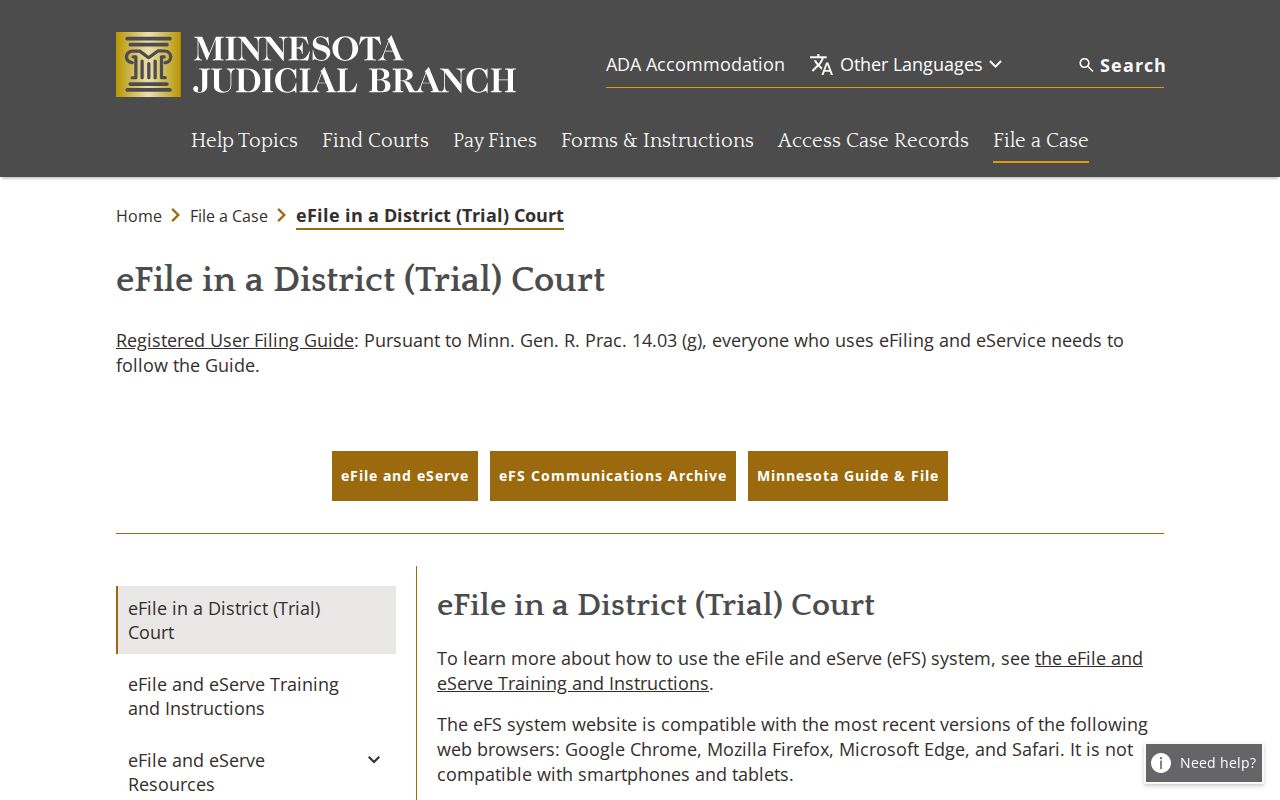
eFS matters for filing and service. For a public Pope case lookup, MCRO remains the route.
Pope County Case Documents
MCRO does not hold every case image. For many public categories, July 1, 2015 is where remote document access stops. A case may show a Register but no PDF. Age is one reason. A remote-access exclusion or an image-free index entry is another. In that spot, ask Pope County District Court Court Administration about a courthouse terminal, an inspection, a plain copy, or a certified copy.
Paper options still matter. The Judicial Branch's courthouse-terminal access notice explains why the in-person electronic layer counts for public case documents.
A terminal widens public viewing, nothing more. It is a fallback for records MCRO shows narrowly, not a way around a sealed or confidential case record.
Restricted Cases and Access Rules
Minnesota's court-specific rules govern public case access. Juvenile, adoption, CHIPS, certain delinquency, civil-commitment, domestic-abuse, harassment, sealed, expunged, and protected family material can be hidden. It can also be far narrower online. A blank result is not proof. A restriction may be the cause. So may a date-based limit. Or a record may only open through an in-person access path. No case or event is ruled out. Minnesota Rule of Public Access 4 lists the general categories. Rule 8 covers inspection, copying, remote access, registers, and related limits. For anything sealed or confidential, ask Court Administration. Staff can explain the current procedure and whether the CON101 request form fits.
Pope County Case Search Sessions
MCRO sessions go stale. After 30 minutes of inactivity, the portal can reset and ask for reCAPTCHA again. Browser Back can also break a search. If that happens, restart through the portal's breadcrumb navigation. A name search with no results deserves a second pass: exact spelling, a permitted wildcard or Sounds Like option, then the Pope location and date filters. Try a full case, citation, or attorney identifier. For a current hearing, check MCRO Hearing Search against the Pope daily calendar. The PDF can change hourly and does not list every matter, so an absent hearing is not proof of a cancellation.
Pope County Case Search Routes
Stick to official channels. For public Pope County court information, that means the MCRO portal, the daily calendar, and Pope County District Court Court Administration. Scammers impersonate courts. The warning covers calls, texts, and Zoom links. A demand for immediate payment or personal information is not an official court communication or a case-search result. The Judicial Branch scam warning gives the official caution and contact approach.
Verify Pope court answers at the source. A verified court page or Court Administration beats an unsolicited message every time.
Pope County Case Search Fallback
When MCRO lacks detail, climb a short ladder. Try the case or hearing search first. Next comes the Pope daily calendar for anything scheduled, then the courthouse terminal for broader public electronic access. Pope County District Court Court Administration finishes the list with inspection or a copy. The office sits in the Pope County Courthouse at 130 E. Minnesota Avenue, Glenwood, phone (320) 424-7170, open Monday–Friday, 8:00 a.m.–4:30 p.m.
A free MCRO view is not a certified copy. The court's copy-request information lays out the request channels, from in-person and mail to applicable electronic routes. State court records belong with Court Administration. Do not send them to the County Administrator.